Toto Studio review Story generation workflow

Feedback is sent as Codex-ready prompts for review before anything changes.

Review packet

Review the story workflow, creative rules, and story engines.

These links are for reviewing how Toto Studio should generate, shape, and approve new story ideas before they become books.

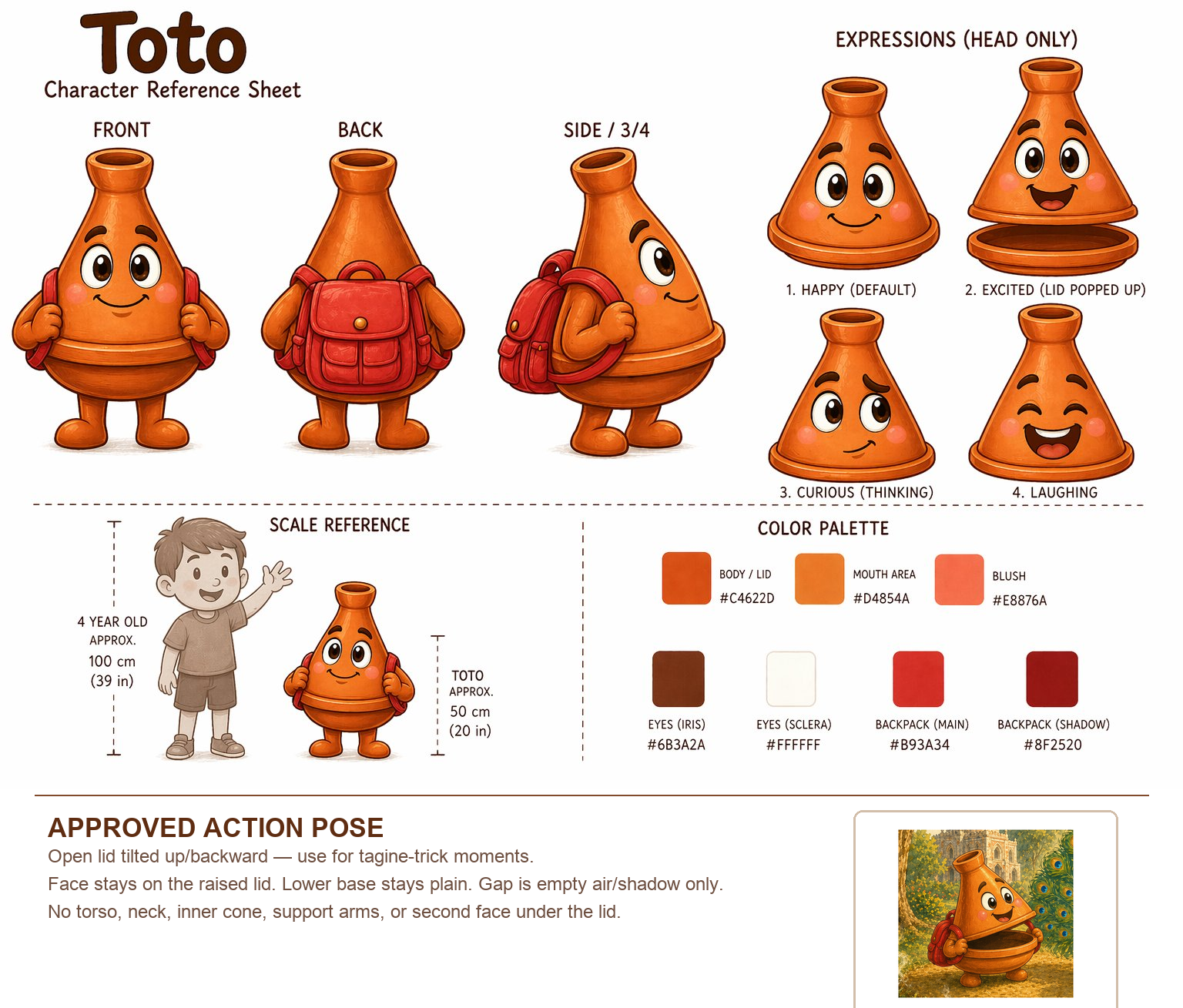
Toto reference

The wireframes are workflow-only. Screens, buttons, stages, and interaction flow are the things to review. Story content, examples, data, images, and generated outputs are placeholders.

Workflow wireframes

Toto Studio

Click through the producer cockpit and test the Generate New Story button. Focus on whether the workflow, stages, and review moments feel clear.
  • Entry point now opens on Stories.
  • Generated content is placeholder material.
  • Use this to review flow, not final copy.
Review wireframes
Producer rules

Rules Registry

Review the creative rules behind story generation, spread rhythm, text placement, image direction, covers, review gates, and bookmaking decisions.

  • Select a rule.
  • Edit the draft block on the right.
  • Copy or email the suggested change.
Review rules
Story shapes

Story Engines

Review the current plot structures Toto can use, including what each engine is, the story shape it creates, and how to keep it fresh.

  • Edit an existing engine.
  • Suggest a completely new engine.
  • Send feedback by email from the page.
Review story engines
Feedback flow

How to send feedback

Select Open the rules or story engine page and choose the item you want to comment on.
Edit Change the draft block in the editor. For story engines, you can also suggest a new engine at the bottom.
Send Click Send by Email. It sends a Codex-ready prompt so the change can be reviewed and applied.